Instagram Reels Downloader
Save Instagram Reels in high quality instantly — Fast, free, and no watermarks.
Not affiliated with Instagram or Meta. By using this tool you agree to our Terms of Service and Privacy Policy.
Download Reels in 3 Easy Steps
Follow these quick steps to save any Instagram Reel to your camera roll:

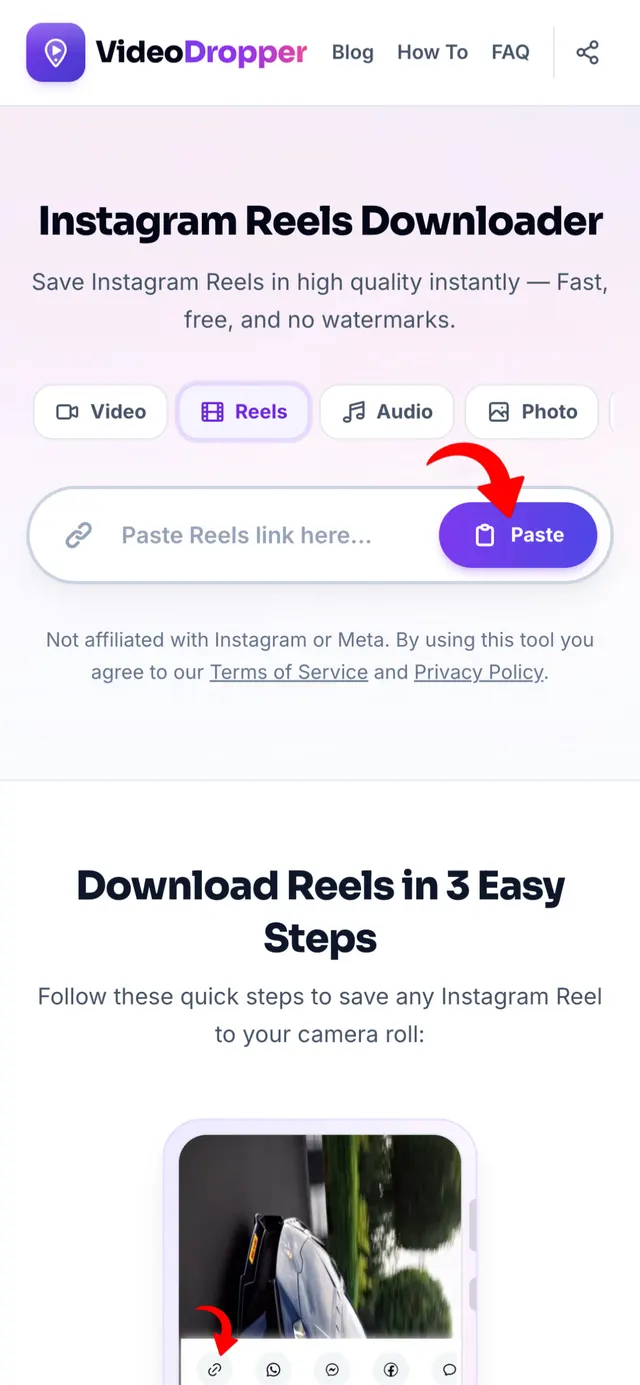
Copy the Reel Link
Open Instagram, tap the Share icon on the Reel, and tap "Copy Link".
Paste into VideoDropper
Return here, paste the copied link into the input bar above, and click Download.
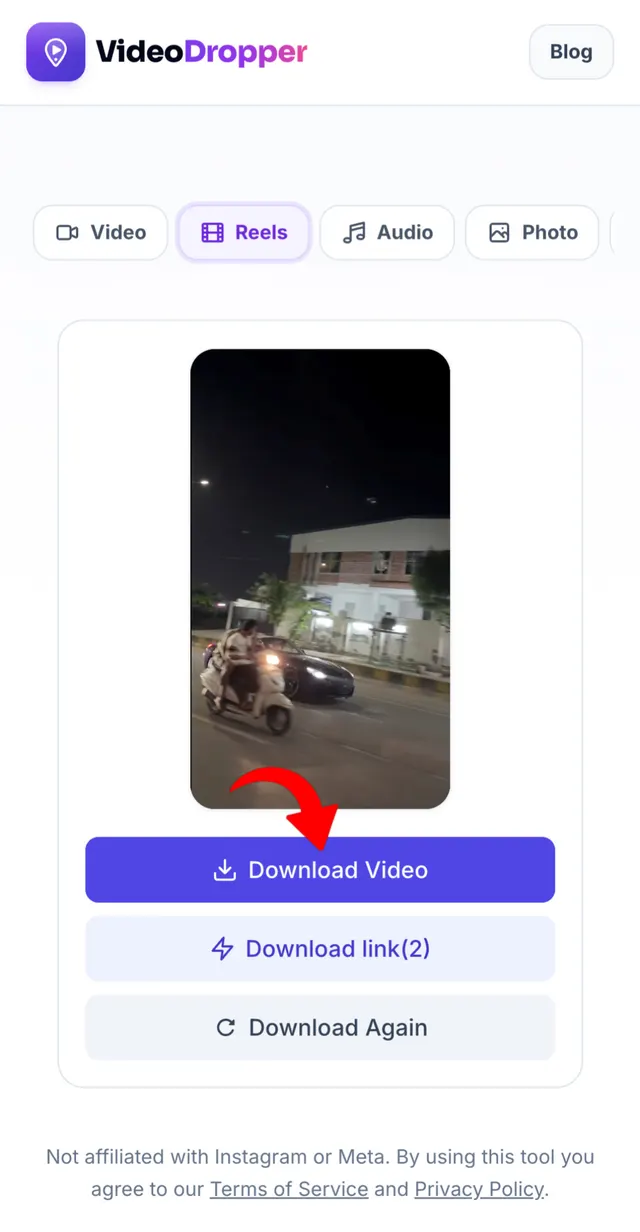
Save MP4 Video
Your high-definition, watermark-free Reel is ready — save directly to your gallery.
Save Instagram Reels Using Online Downloader
Instagram Reels are full of funny clips, recipes, workouts, and handy tips — but Instagram doesn't give you a button to save them to your phone.
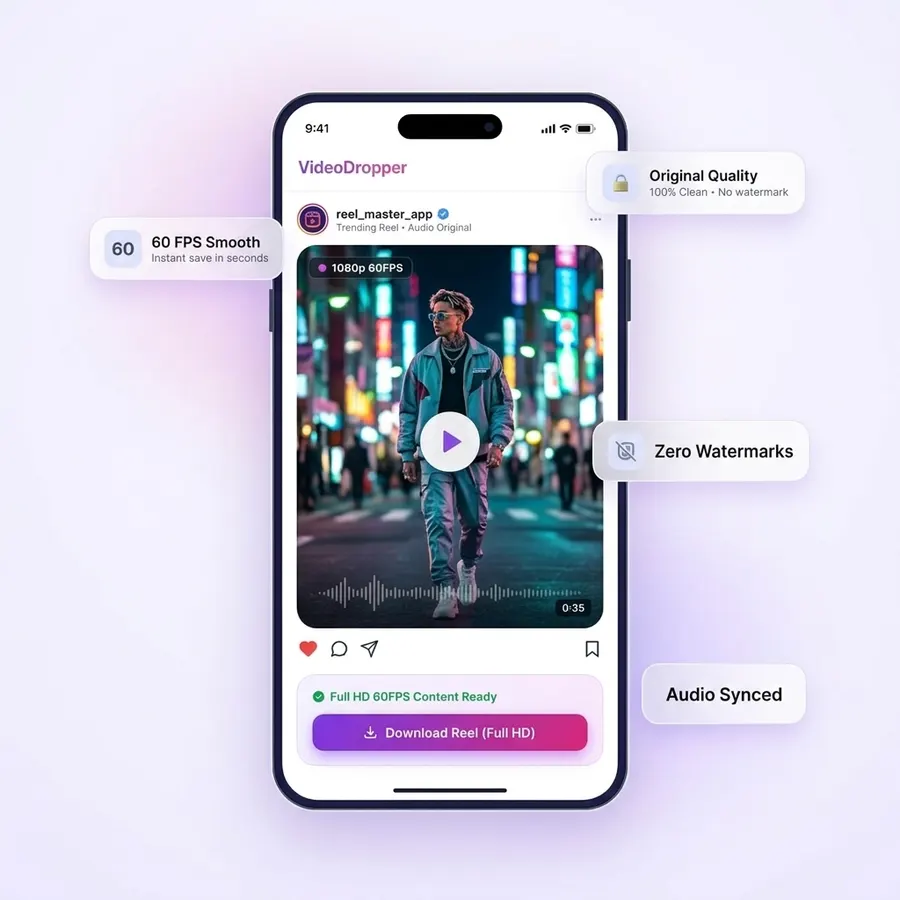
VideoDropper saves the Reel in the same quality it was uploaded, with sound and without any watermark, straight to your phone or computer.
Whether you want to keep a memory, collect ideas, or watch later without internet, you can download any public Reel in seconds — no login and no app needed.
Why Download Instagram Reels Offline?
You can save Reels inside Instagram, but they only stay there as long as the creator keeps them up. If the video is deleted, the account goes private, or the song is removed, it's gone from your saved list too.
Downloading a Reel saves it to your phone as a normal video, so it's there whenever you want it. Here's why people save Reels:
Keep Your Favourite Reels Forever
Reels you save inside Instagram can disappear if the creator deletes them or makes their account private. A downloaded copy stays on your phone for good.
Watch Without Internet
Enjoy your Reels on a flight, in the metro, or anywhere with weak signal — no buffering and no mobile data used.
Share With Anyone
Send the video on WhatsApp, Telegram, or AirDrop. Friends can watch it straight away, even if they don't use Instagram.
Clean Video, No Watermark
Screen recording also captures buttons, comments, and notifications. Downloading gives you just the video, ready to post or edit.
Clear Sound, Perfectly in Sync
The music and voice play exactly like they do on Instagram — no echo, no delay, no muffled audio.
Rewatch Privately
Watch a Reel as many times as you like without it changing what Instagram shows you in your feed.
Why Download Reels with VideoDropper?
Developed to deliver the fastest, cleanest, and highest quality Instagram Reels downloading experience available.
Ultra-Fast Processing
Paste a link and your Reel is ready to download in about two seconds.
Zero Watermarks
No watermarks, logo overlays, or forced redirects. You get a clean MP4 download identical to the original video.
1080p Full HD Video
Get the Reel in the same sharp HD quality it was uploaded in — never blurry or squashed.
Original Audio Included
Music, voiceovers, and trending sounds come with the video, perfectly in sync.
100% Anonymous & Private
Never enter your Instagram password or link personal accounts. Reels can be saved anonymously without notifying the creator or tracking downloads.
Universal Compatibility
Works seamlessly in any browser across iOS (iPhone & iPad), Android, Windows, Mac, and Linux without installing extensions or software.
How to Download Reels on Any Device
iPhone (iOS)
Open the Reel on Instagram, tap 'Share' (paper plane icon), and 'Copy Link'. Open Safari, go to VideoDropper.app/reels, paste the link, and tap Download. Save the MP4 directly to your Files or Photos app.
Android
Find the Reel on Instagram, tap the three dots or Share icon, and select 'Copy Link'. Open Chrome, visit VideoDropper.app/reels, paste the link, and save the video directly to your Gallery.
PC / Mac
Copy the URL from your address bar while watching the Reel on your desktop browser. Visit VideoDropper.app/reels, paste the link, and download the full-resolution MP4 directly to your Downloads folder.
Frequently Asked Questions
Everything you need to know about downloading Instagram Reels.
Can I download Reels without watermarks?
Yes! VideoDropper fetches the original video file directly from the source, so you get the Reel exactly as it was uploaded, with zero added watermarks or app logos.
Is there a limit on how many Reels I can save?
No, there are absolutely no limits. You can download as many Reels as you want, 100% free of charge and with no throttling.
Does it work for private Reels?
To protect user privacy and respect platform security, our downloader only supports content from public Instagram accounts.
Can I download just the audio from a Reel?
Yes! When you paste a Reel link, VideoDropper gives you the option to download the full HD video or extract the audio track as an MP3 file.
Is my account safe when using this tool?
Completely. We never ask for your Instagram credentials, passwords, or personal info. You don't even need an Instagram account to use VideoDropper.
Where are Reels saved on my mobile device?
On iPhone, the video is saved to your 'Downloads' folder in the Files app (which you can save to Photos). On Android, it downloads straight to your Gallery / Downloads folder.