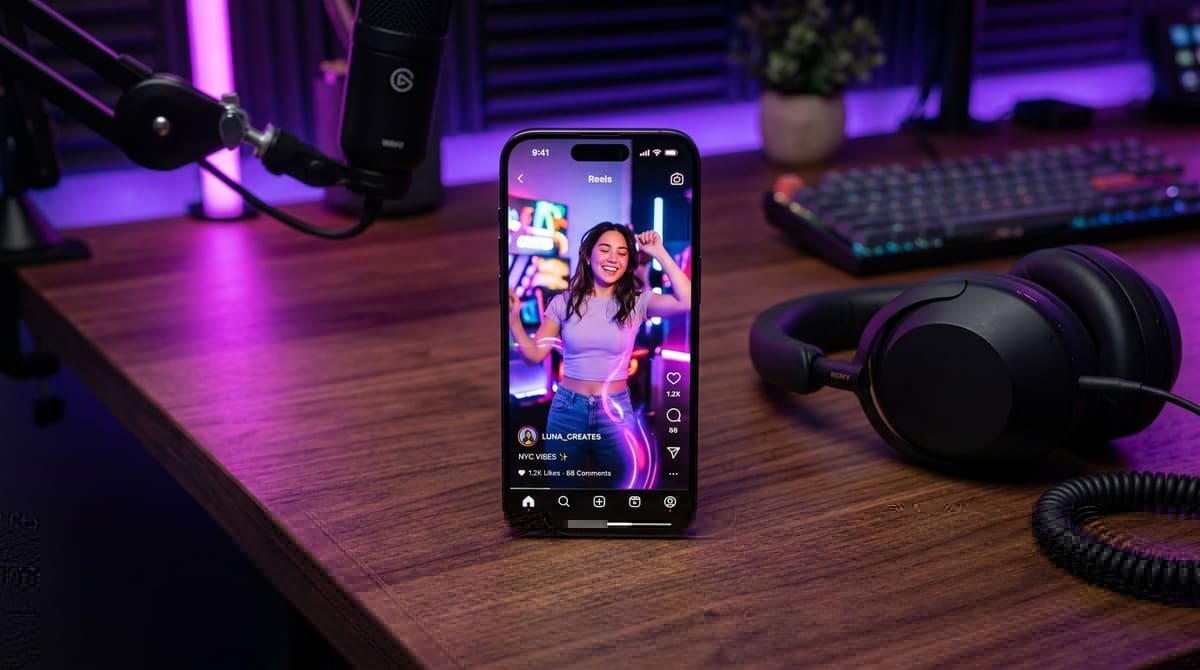
How to Download Instagram Reels with Audio in HD
Quick Answer (TL;DR)
To download any public Instagram Reel with full stereo audio and zero watermark:
- Open the Reel in Instagram and tap Share > Copy Link.
- Open your web browser and navigate to VideoDropper Reels Downloader.
- Paste the link into the search box and click Download.
- Choose 1080p Full HD MP4 to save the video directly to your gallery with audio intact.
Why In-App Saves Often Mute Audio
On Quora, one of the most upvoted questions asks: "Why is the sound missing when I save an Instagram Reel to my camera roll?"
Instagram has strict music licensing agreements with record labels and copyright holders. When a creator attaches a commercial music track from Instagram's licensed library, the app's native in-app save button strips the audio channel upon saving to prevent offline music distribution outside the Meta ecosystem.
This leaves users with a silent video file that cannot be repurposed, shared on WhatsApp status, or saved into personal archives. Dedicated web extractors like VideoDropper circumvent this by requesting the original merged video/audio stream directly from Meta's Content Delivery Network (CDN) servers in full original bitrates.
The Watermark Problem: In-app downloads also stamp a giant animated watermark and creator tag over the center of the video, blocking important text overlays and lowering perceived production quality.
Step-by-Step Instructions by Device
Whether you are editing video projects on a desktop computer or compiling creative reels on a smartphone, choose your operating system below for tailored instructions:
How to Save to iPhone Camera Roll (Safari):
- Open the Instagram app on iOS and locate the Reel you want to save.
- Tap the Paper Plane (Share) icon on the right side and select Copy Link.
- Open Safari and visit videodropper.app/reels.
- Paste the link into the box and tap Download.
- When Safari shows the download prompt, tap Download.
- Tap the Download icon (↓) in Safari's address bar, tap the file, press the Share Sheet icon (bottom-left), and select "Save Video". It is now safely stored in your Apple Photos app!
Note: iOS automatically indexes the video in your Camera Roll under the "Videos" and "Recent" smart albums.
Comparison: In-App Save vs Screen Record vs VideoDropper
Why shouldn't you just screen record your phone? Screen recording introduces serious technical disadvantages: it records at the display's current brightness/scaling, captures notifications, forces stereo audio down to mono, and introduces dropped frames.
| Feature | Instagram App Save | Screen Record | VideoDropper.app |
|---|---|---|---|
| Audio Included? | ❌ Often Muted | ⚠️ Low Bitrate / Mono | ✅ 100% Full Stereo |
| Watermark Free? | ❌ Giant Handle Watermark | ❌ UI Buttons & Battery Visible | ✅ Clean, No Watermark |
| Resolution | 720p Compressed | Screen Scaled / Artifacts | ✅ 1080x1920 (Original) |
| Frame Rate | 30 fps | Dropped frames possible | ✅ Up to 60 fps |
Video Codec & CDN Stream Delivery Architecture
Instagram's media distribution pipeline converts uploaded reels into multiple encoded profiles: H.264 (AVC) for universal compatibility with older web browsers and H.265 (HEVC) or AV1 for modern flagship smartphones with hardware decoders.
When you use VideoDropper, our server dynamically resolves the highest bitrate H.264 stream available. This ensures that the downloaded MP4 plays natively across Apple QuickTime, Windows Media Player, VLC, and mobile gallery apps without requiring external codec packs or transcoding.
Pro Creator Tips: Managing Downloaded Media Ethically
When using saved reels for mood boards, inspiration, or reaction videos, keep these essential creator guidelines in mind:
- Credit the Original Creator: Always tag the handle of the videographer or content creator when referencing or reacting to their footage.
- Fair Use Guidelines: Transformation, commentary, parody, and education fall under fair use. Avoid reposting whole unaltered clips as your own original work.
- Audio-Only Extraction: If you only need the voiceover or viral sound, use the Audio Downloader to extract a clean 320kbps MP3 without keeping heavy video files on your phone.
Frequently Asked Questions
Can I download Reels from private Instagram accounts?
No. VideoDropper strictly operates on public Instagram posts and reels to safeguard user privacy and security protocols.
Does downloading a Reel notify the creator?
No. The creator receives zero notifications when their public Reel is downloaded through VideoDropper.
Why do some Reels have no sound even when downloaded?
If a Reel was published by the original creator without audio or if the song was removed globally by Instagram due to region-specific licensing disputes, the source stream itself is silent.
Instagram Reels Downloader
Fast, 1080p high definition, and 100% free with no login required.

Written by Abhishek Singh
Verified ExpertMedia Tech Specialist at VideoDropper
Specializing in social media video infrastructure, audio extraction pipelines, CDN optimization, and Instagram creator workflows.